Cropper turns wide 16:9 footage into perfectly framed 9:16 vertical video — without a timeline, without keyframe panels, without an editor. Just press play and drag your finger to follow the action.
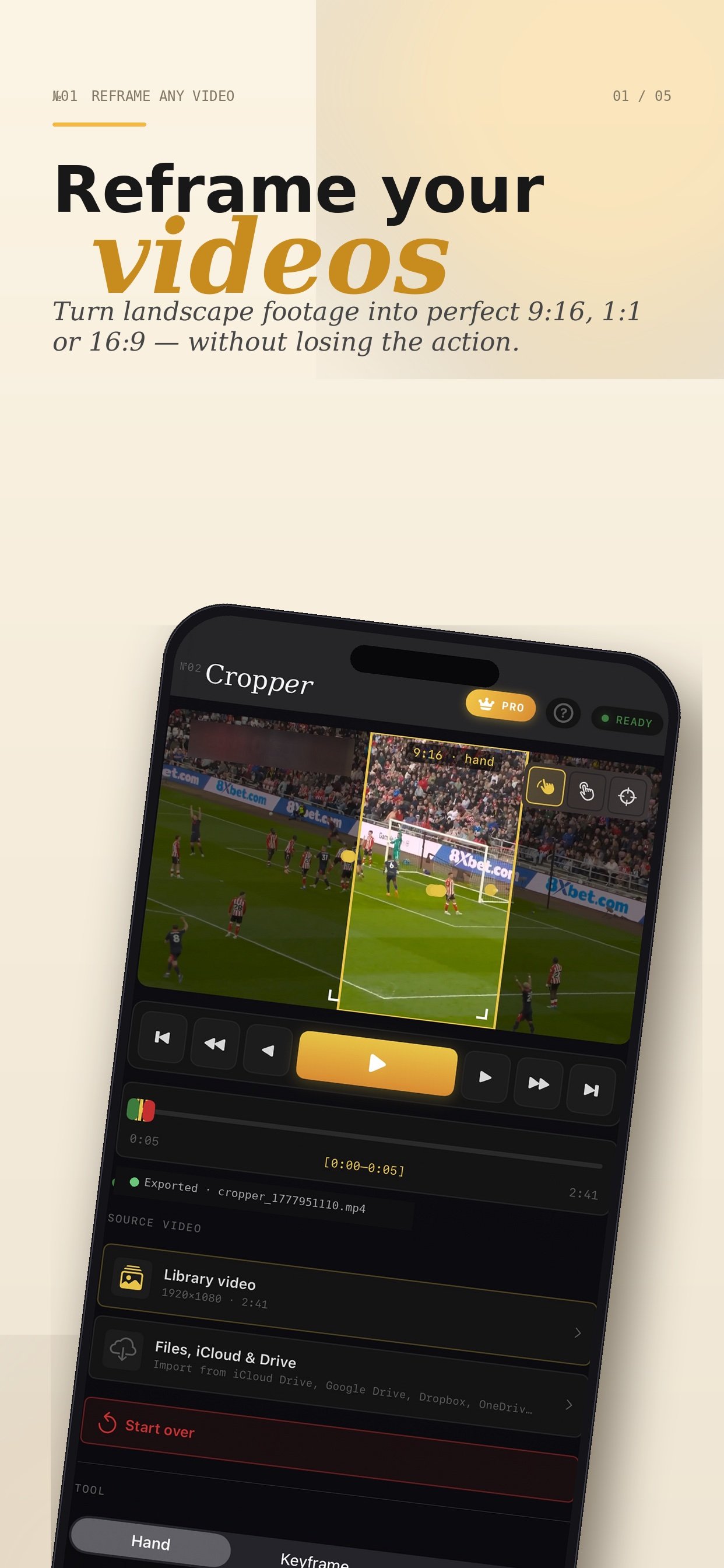
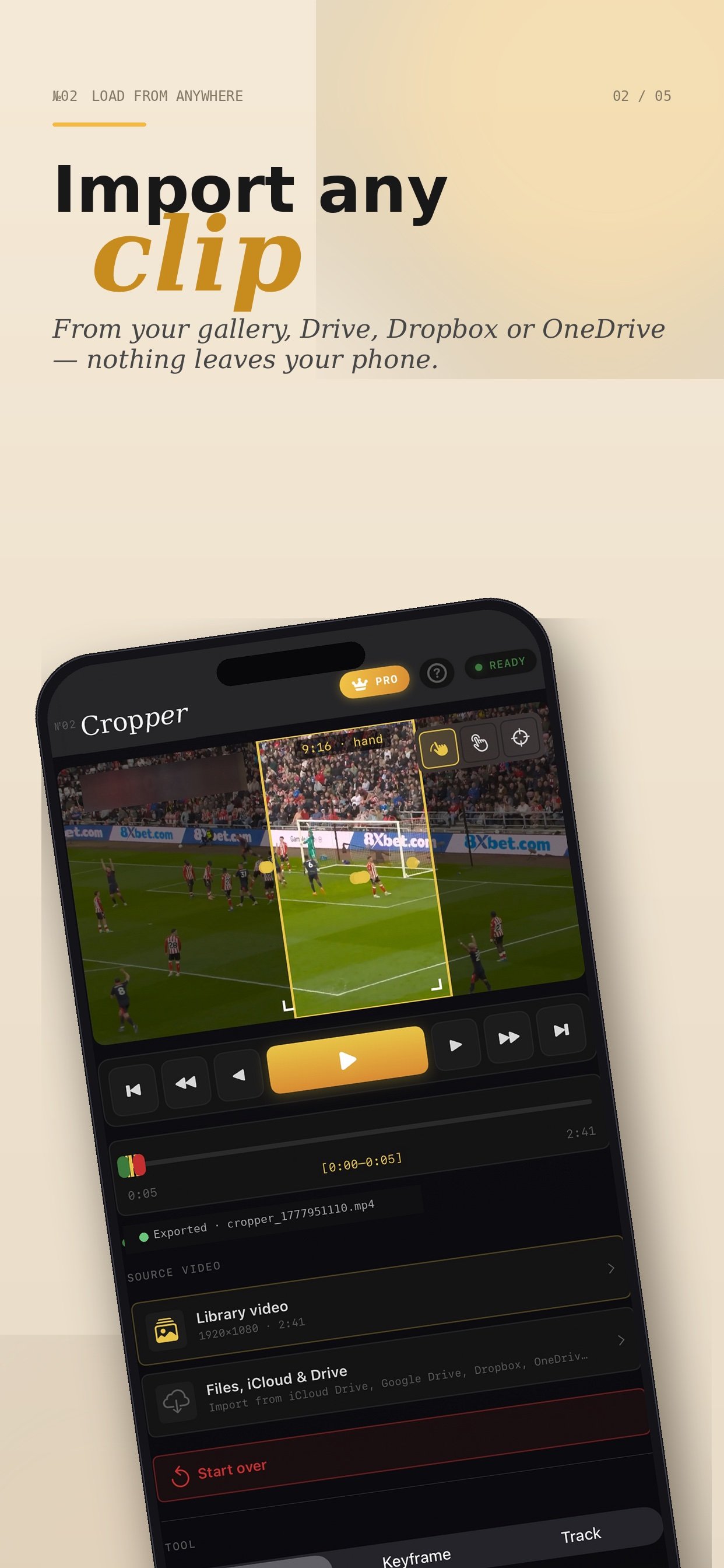
Pick any 16:9 clip from Photos or Files. Cropper detects orientation and prepares a 9:16 frame.
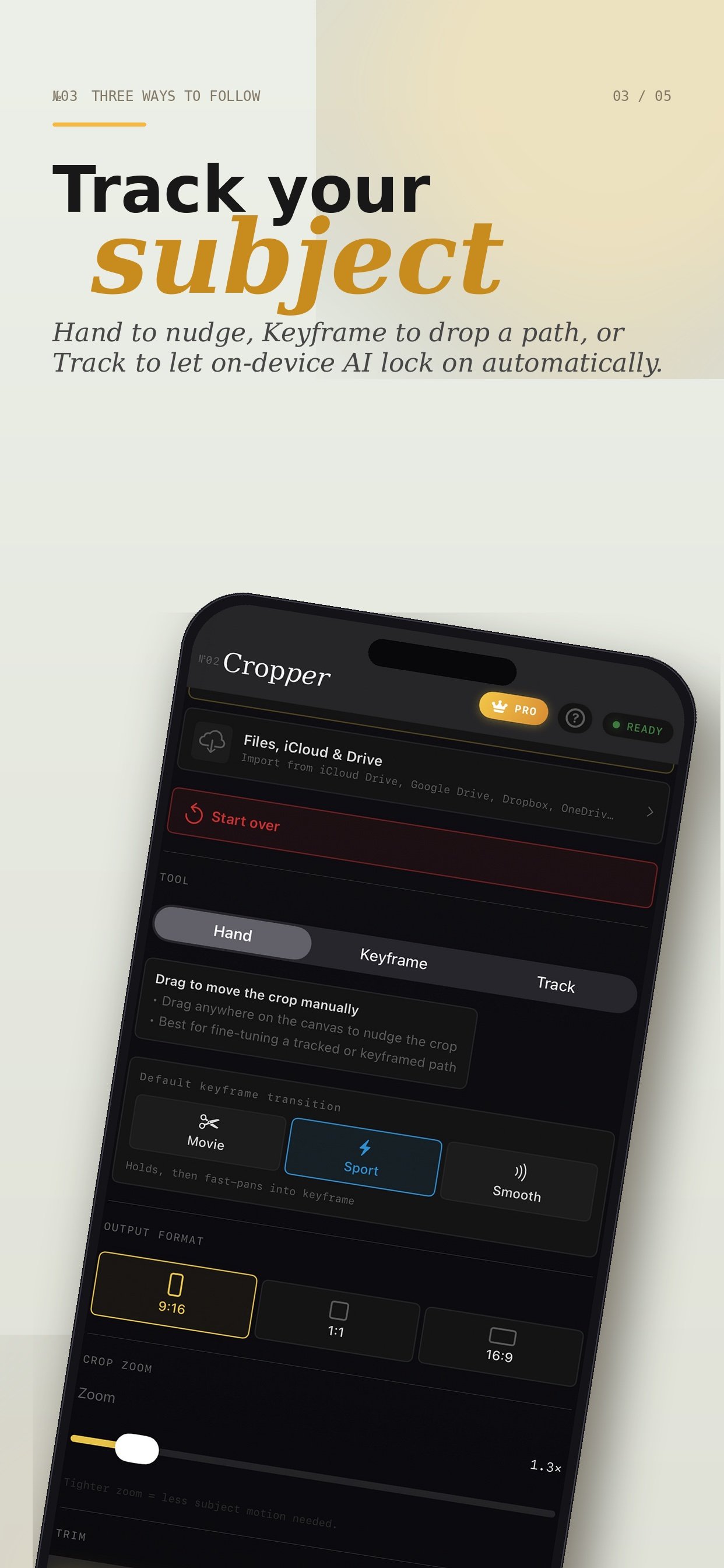
Tap Hand mode, hit play, and drag your finger across the player to follow the subject. Each touch becomes a keyframe.
Cropper interpolates a cinematic path between your touches — no jitter, no manual easing curves.
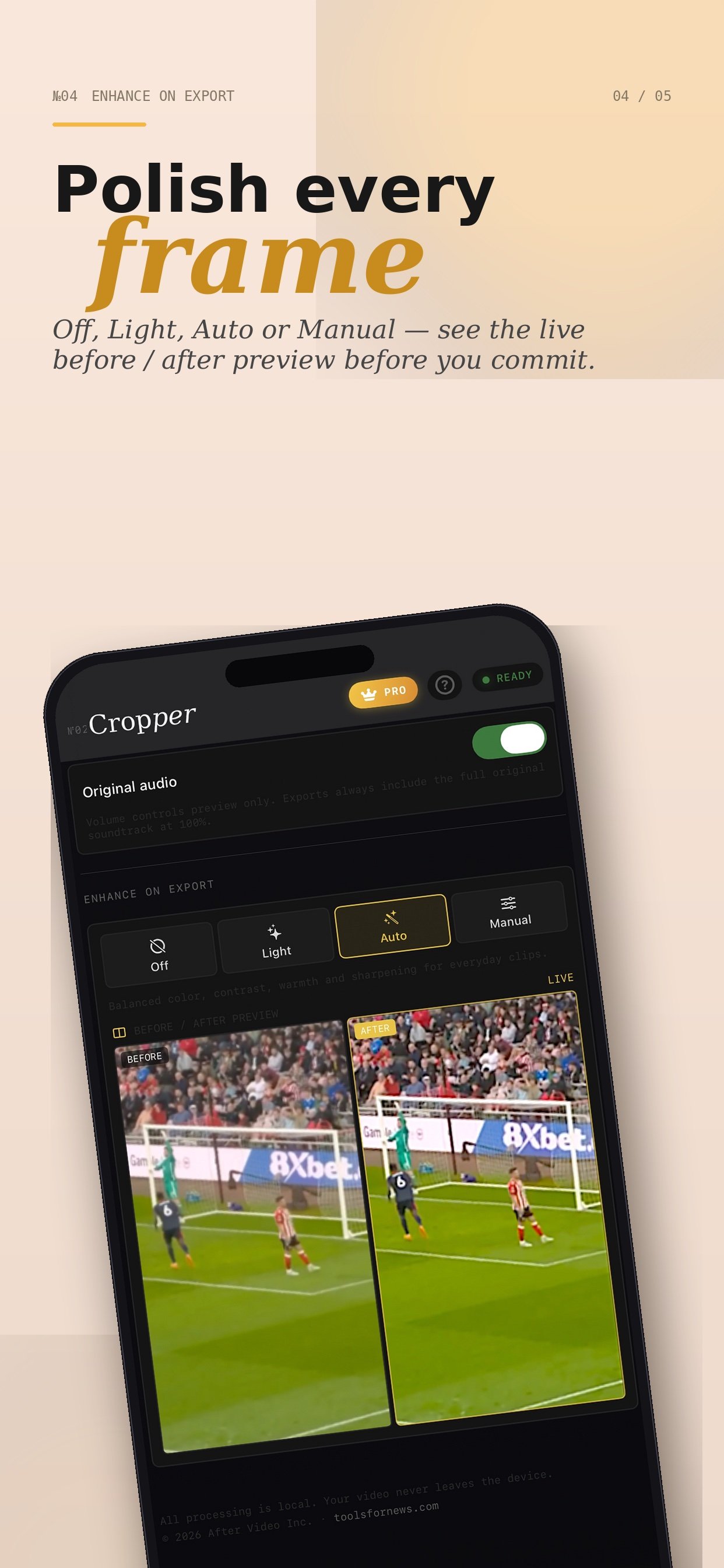
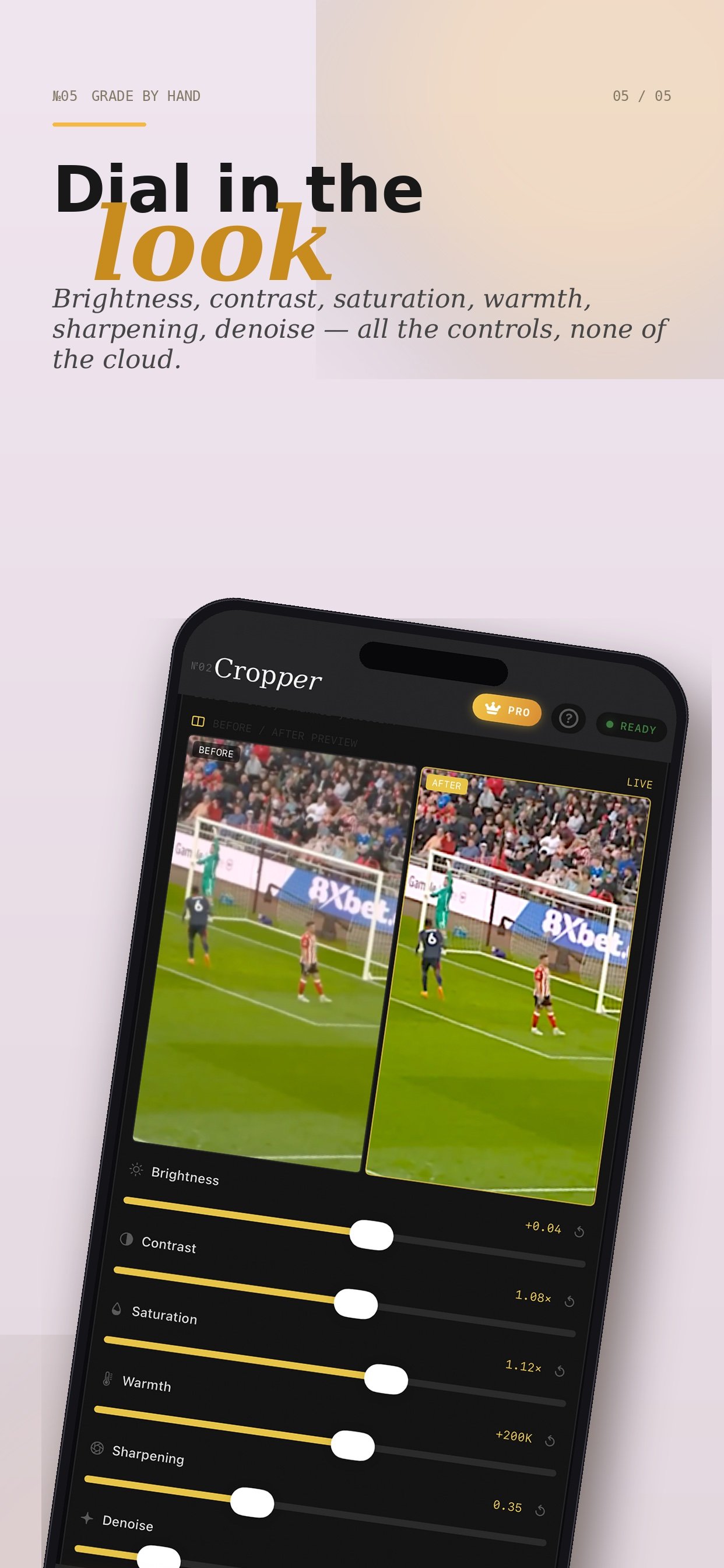
One tap exports a high-quality vertical MP4, ready for Reels, Shorts, TikTok, or stories.
Real screenshots · iPhone
You filmed the perfect goal, the perfect dunk, the perfect moment — in wide 16:9. But your audience watches on a phone. A static center-crop misses the action. Traditional editors require keyframes, easing curves, and minutes of fiddling per clip. Cropper replaces all of that with a single gesture.
Sports creators, highlight editors, social media managers, content teams — anyone repurposing wide footage for vertical platforms. If you've ever wished you could just point at the action and have the crop follow, that's Cropper.